Rich Text Editor
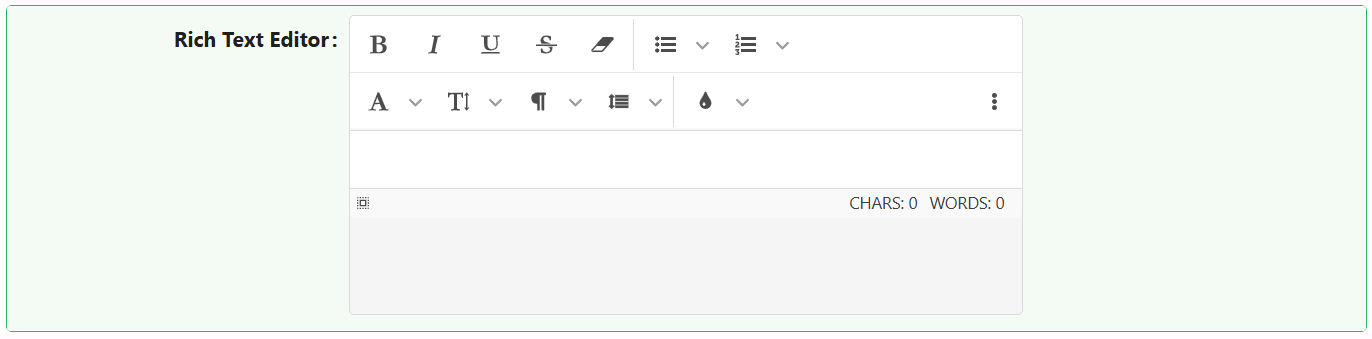
The Rich Text Editor component allows users to write and format content with a WYSIWYG interface. It supports various toolbars, plugins, and storage options, making it ideal for complex input scenarios such as note-taking, content creation, or documentation.
Properties
The following properties are available to configure the behavior of the component from the form editor (this is in addition to common properties).
Data
Show Toolbar boolean
Toggles the main formatting toolbar. (default: true)
Size Of Icons object
Sets icon size:
- Tiny
- Extra small
- Middle
- Large
Hidden Actions object
Specify toolbar actions that should be hidden from the user. A great way to simplify the editor.
Auto Focus boolean
Editor focuses automatically on load.
Presets object
Defines initial editor configuration:
- None
- Inline Mode
Direction object
Controls text direction. Options:
- Auto
- rtl
- ltr
Show Characters Counter boolean
Displays a live character counter beneath the editor.
Show Words Counter boolean
Displays a live word count for the content in the editor.
Element That Will Be Created On Enter object
Controls what tag is created on Enter:
- Break (BR)
- Paragraph (P)
- Block (DIV)
Insert Image As Base64 URI boolean
Stores images as base64 strings.
Iframe Mode boolean
Renders the editor inside an iframe.
Remember Height boolean
Preserves the height of the editor between sessions.
Remember Mode boolean
Remembers the current editing mode (e.g., HTML or RichText) between uses.
Ask Before Paste HTML boolean
Prompts the user before pasting raw HTML into the editor.
Ask Before Paste From Word/Excel boolean
Prompts the user before pasting content from Word or Excel to prevent formatting issues.
Appearance
Theme string
Choose between:
- Default (default)
- Dark
Auto Height / Width boolean
Enable automatic sizing.